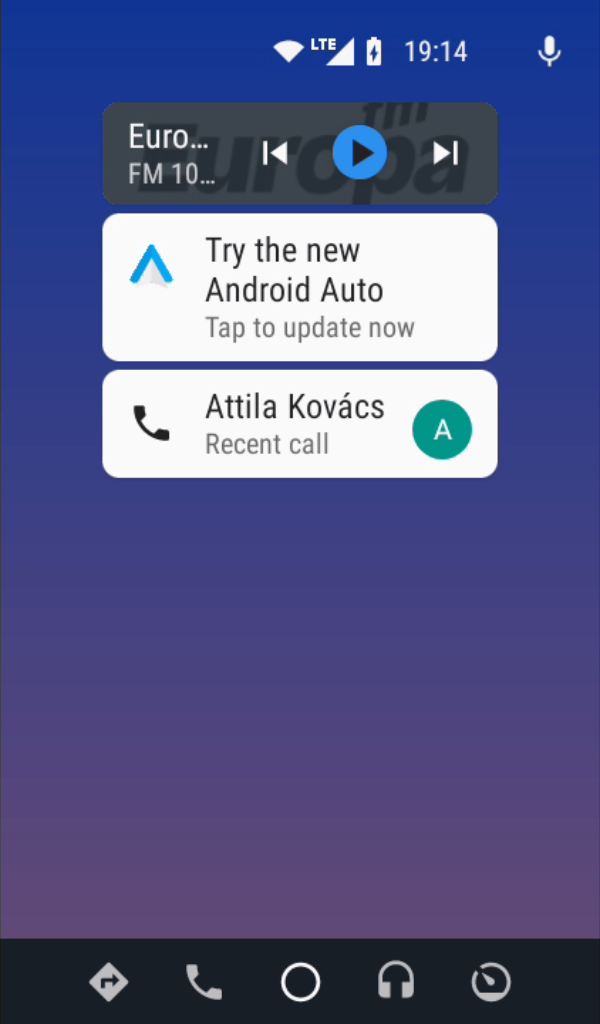
Many Android users want the convenience of Android Auto but face one common problem: their car stereo or tablet does not officially support it. Replacing the entire head unit can be expensive, especially when the existing hardware still works perfectly. This is where the Headunit Reloaded APK becomes useful.
It is an Android application designed to act as an Android Auto receiver, allowing compatible Android devices to display Android Auto features without needing a factory-installed Android Auto system.
Whether you want to turn an old Android tablet into a car dashboard, use an aftermarket Android head unit or test Android Auto functionality, HUR provides a practical alternative. This guide explains how the app works, its features, setup requirements, advantages and limitations.
Turning an Android Device Into an Android Auto Receiver
The Headunit Reloaded Emulator HUR App is an Android Auto receiver emulator that allows an Android device to behave like an Android Auto-compatible head unit.
Normally, Android Auto works when a smartphone connects to a supported car display. The phone sends the interface, navigation information, music controls and notifications to the vehicle screen.
HUR changes this setup by allowing another Android device to receive that Android Auto interface. For example, an Android tablet mounted on your dashboard can work as an Android Auto display when connected to your smartphone. The app is commonly used with:
- Android tablets as DIY car screens
- Android aftermarket head units
- Raspberry Pi-based automotive projects
- Development and testing environments
It does not replace the Android Auto app on your phone. Instead, it acts as the receiver side of the connection.
Why Drivers Use Headunit Reloaded APK
A common reason people search for HUR is that their vehicle lacks Android Auto support. Buying a new stereo system may not always be the preferred option due to cost, installation difficulty, or compatibility concerns. With HUR, users can reuse existing Android hardware and create a customized dashboard setup.
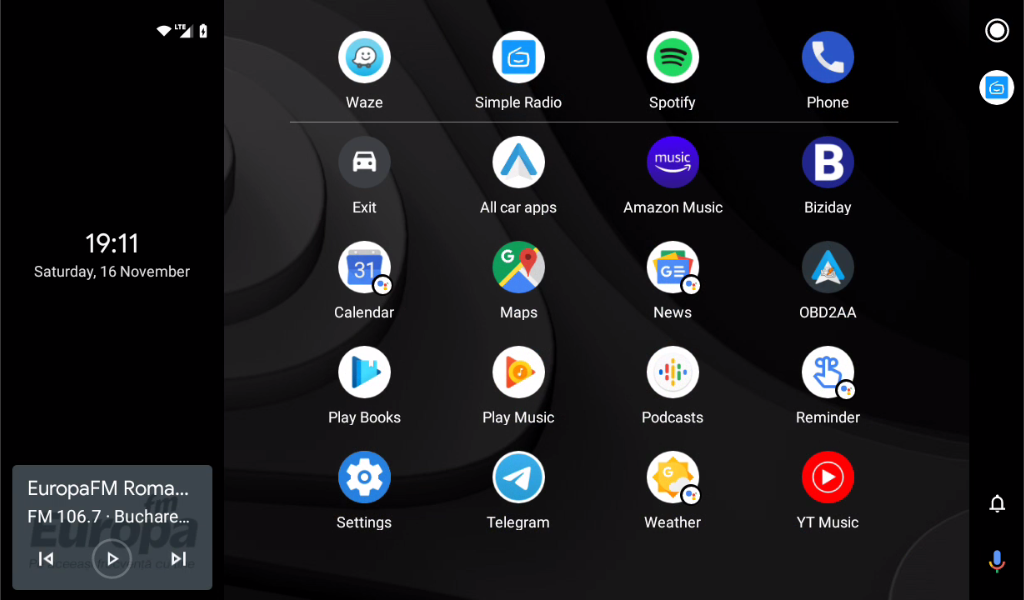
A typical example is an older Android tablet that is no longer used for daily tasks. Instead of keeping it unused, it can become a dedicated navigation and entertainment screen connected to a smartphone. The app can provide access to Android Auto features such as:
- Google Maps navigation
- Music applications
- Voice commands through Google Assistant
- Hands-free calling
- Message notifications
- Android Auto compatible apps
Key Features That Make HUR Different
Android Auto Wireless and USB Support
One of the useful features of Headunit Reloaded is its ability to support different connection methods depending on device compatibility. Users may connect their smartphone using:
- USB cable connection
- Wi-Fi-based wireless connection
- Bluetooth for supporting functions like audio and calls
A wired connection is usually preferred for stability because it reduces wireless interference and provides reliable communication between devices. Wireless Android Auto can be convenient because it removes cable clutter, but performance may depend on Wi-Fi quality and device support.
Works With Many Android-Based Devices
Unlike traditional car systems that are limited by manufacturer compatibility, HUR works with many Android devices. This flexibility makes it popular among people creating custom car infotainment setups.
A spare tablet, Android TV box or compatible Android screen can potentially become an Android Auto receiver when properly configured. However, hardware specifications matter. Older devices with slow processors or outdated Android versions may not provide smooth performance.
Custom Dashboard Possibilities
Many DIY car enthusiasts use HUR because it allows more freedom compared with factory systems. Users can choose:
- Screen size
- Device placement
- Mounting style
- Charging setup
- Additional accessories
For example, someone may install a large Android tablet on the dashboard and create a personalized navigation display without replacing the original vehicle system.
Setting Up Headunit Reloaded Emulator
The setup process requires both the receiver device and the smartphone that runs Android Auto. A basic setup usually involves these steps:
- Install the Headunit Reloaded Emulator application on the Android receiver device.
- Enable Android Auto features on the smartphone if required.
- Connect both devices using USB or wireless methods.
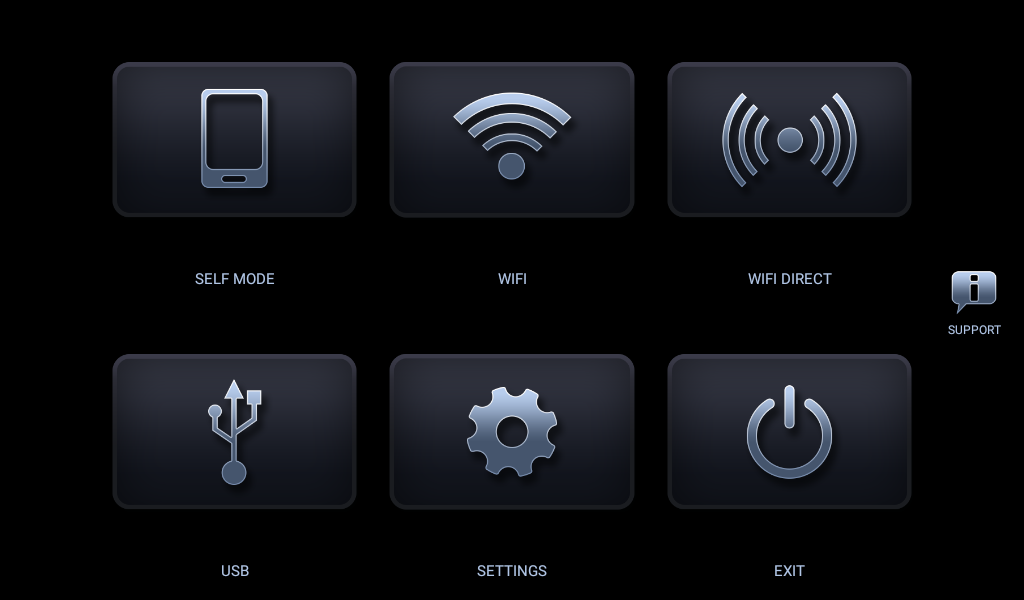
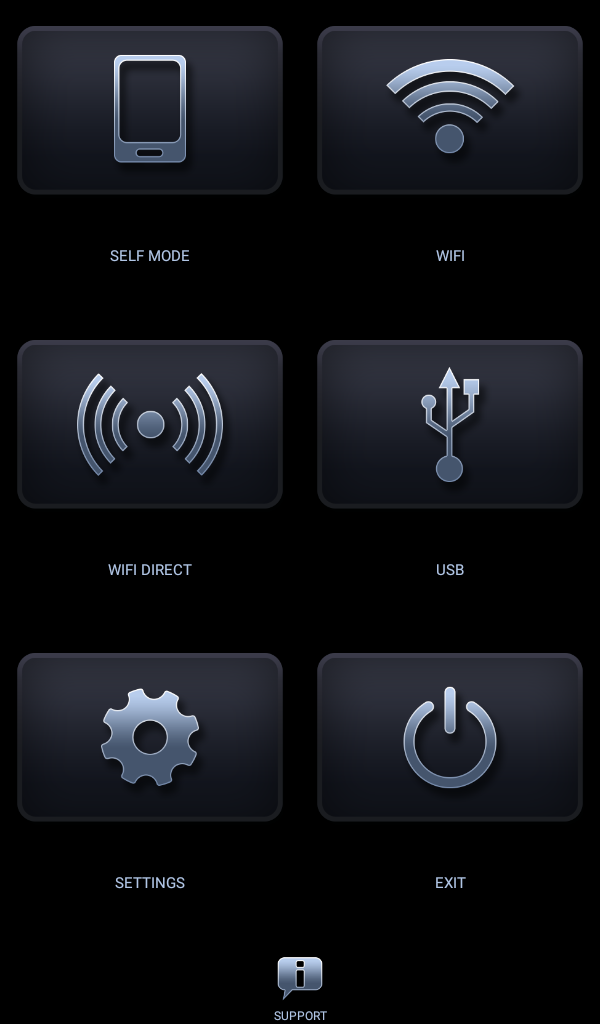
- Open HUR and select the connection mode.
- Allow required permissions.
- Start Android Auto from the phone.
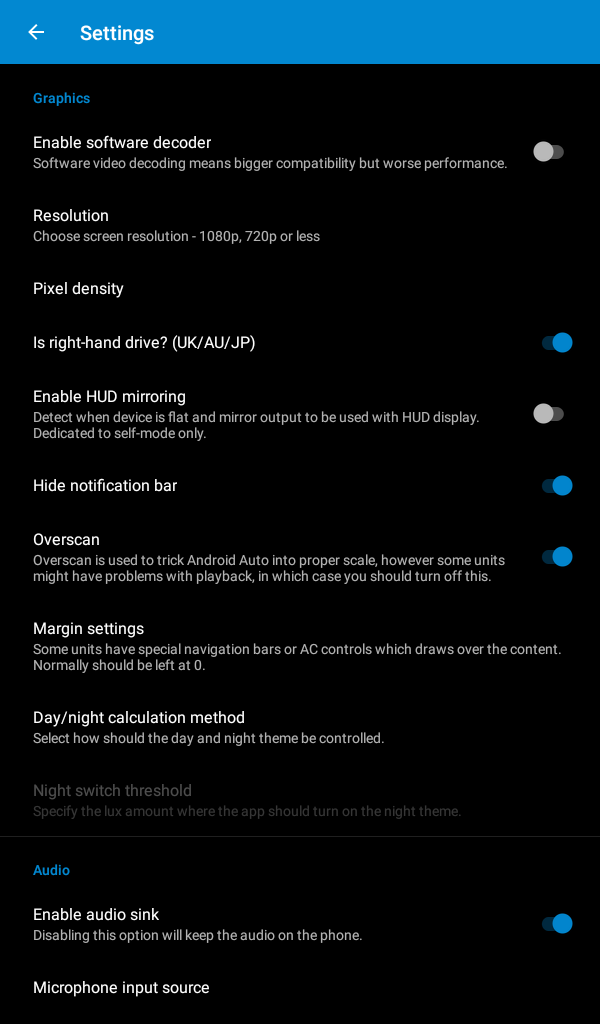
The exact steps can vary depending on the Android version, device manufacturer and connection type. Some users may need to adjust developer settings, USB permissions or battery optimization settings to maintain a stable connection.
Hardware Requirements to Consider
Before using HUR, it is important to check whether the Android device can handle the workload. Important factors include:
Android Version
Newer Android versions generally provide better compatibility and security. Older versions may have limitations with modern Android Auto features.
Screen Quality
Since the device becomes a dashboard display, screen brightness and viewing angle matter. A screen that looks good indoors may become difficult to read under direct sunlight.
Processing Power
Android Auto requires continuous communication between devices. A slow processor can result in delayed responses, app crashes or laggy navigation.
Power Management
A dedicated car setup needs reliable power. Users should consider a proper charging solution because navigation and screen usage can drain batteries quickly.
Common Problems Users May Face
Although HUR provides a useful solution, it is not identical to a factory-installed Android Auto system. Some common issues include:
Connection Problems
USB cables, wireless interference or incorrect settings can prevent devices from connecting properly. Using a quality USB cable and checking permissions can solve many connection issues.
Audio Routing Issues
Depending on the vehicle setup, audio may need additional configuration. The Android receiver device and car speakers must work together correctly.
Performance Limitations
A low-end tablet or older Android device may struggle with continuous Android Auto usage. For a better experience, choosing hardware designed for long-term use is recommended.
Is Headunit Reloaded App Worth Using?
The app is mainly useful for users who want a customizable Android Auto receiver solution without purchasing a new car stereo. It works well for:
- DIY car infotainment projects
- Tablet-based Android Auto setups
- Testing Android Auto environments
- Budget-friendly upgrades
However, people expecting factory-level integration may prefer a dedicated Android Auto head unit. The best results come from using suitable hardware, a stable connection and proper installation. You can also download BlockSite Mod APK.
Final Thoughts
The Headunit Reloaded APK provides an interesting way to bring Android Auto functionality to devices that normally would not support it. By converting an Android tablet or compatible screen into an Android Auto receiver, it gives users more control over their in-car technology setup.
It is not a replacement for every factory system, but it offers a practical option for drivers who enjoy customization and want to reuse existing Android hardware. Before setting it up, checking device compatibility, connection options and power requirements can help create a smoother experience.